Confirm coverage.
Check the site or route and the effects of metal containers, dense loads and mounting position.

HOW THERMOLOGIX WORKS
Follow a temperature reading from the monitoring point to your team.
NanoTag connects through LoRaWAN. Integra, Calibra and Kryo use NB-IoT cellular connectivity. ThermoCloud makes available readings useful through graphs, configured notifications and reports.
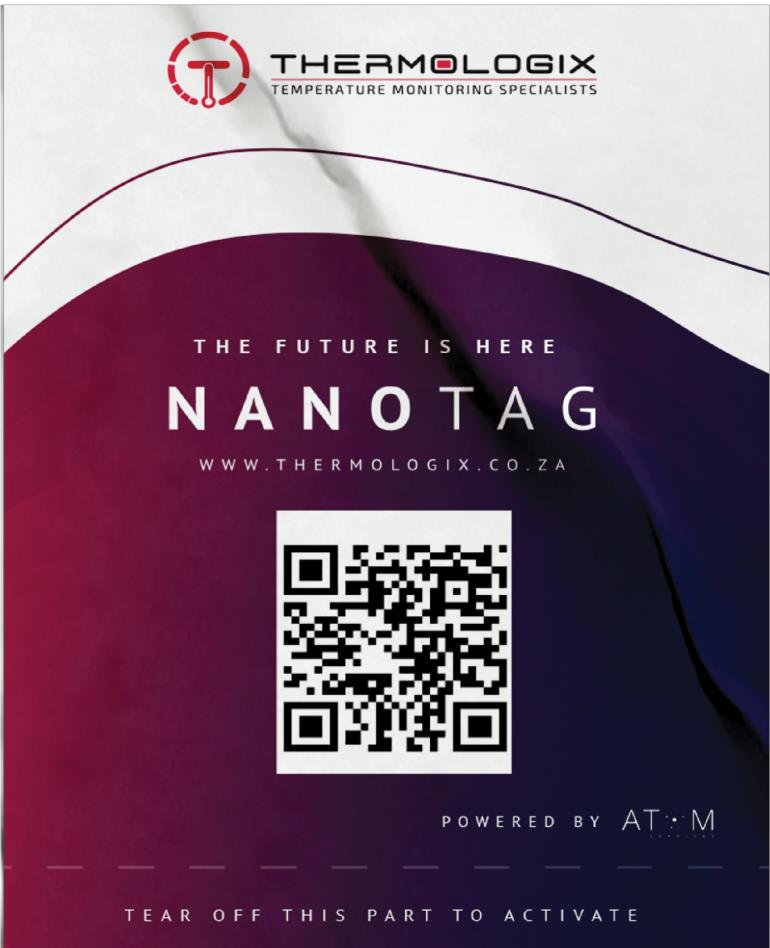 Actual NanoTag artwork from the supplied brochure.
EXPLORE THE DATA PATH
Select a stage to understand what happens there.
Choose NanoTag, Integra, Calibra or Kryo around the measurement, temperature range and installation. Position the sensor or external probe appropriately and confirm sampling settings for the device revision.
UNDERSTAND THE CONNECTION
The device does not need a continuous connection to your phone. QR-code onboarding identifies the device in the app; the wireless network carries its readings to the backend.
Discuss network deploymentCheck the site or route and the effects of metal containers, dense loads and mounting position.
A ten-minute default interval is not continuous second-by-second measurement. Agree the frequency your application requires.
Backup memory is documented. Confirm sample retention and recovery or forwarding behaviour for the chosen revision; automated backfill is not established by the supplied specifications.
FROM INSTALLATION TO EVERYDAY USE
Agree the location, attach using the specified mounting method and activate the device. Verify what the local reading represents.
Add the device, set suitable limits, give users appropriate access and check notification delivery.
Check reading freshness, review trends and use available records alongside the organisation’s procedures.
PRACTICAL CUSTOMER QUESTIONS
At a suitable point selected for the decision you need to support. A local sensor reading does not describe every shelf or automatically measure a product’s core temperature. Use qualified mapping or placement assessment where required.
Fresh readings and notifications may stop reaching the platform. NanoTag includes backup memory, but retention and later recovery must be confirmed for the device revision. Use an agreed contingency rather than treating a data gap as normal conditions.
ThermoCloud documentation describes user-set limits and notification preferences. Agree thresholds, recipients and a response process, then test delivery using the actual setup.
The material describes multiple-device management and multi-user access. Confirm practical capacity, account structure and any subscription limits with Thermologix.
The organisation’s designated team investigates the conditions and follows its approved product and quality procedures. A return to normal temperature does not by itself determine whether affected stock is suitable.
Automatic cooling or HVAC control is not documented. NanoTag measures temperature; the platform provides monitoring information and configured notifications.
LET’S MAKE THE SYSTEM FIT
Discuss device suitability, placement, coverage, reporting and the people who will use the information.

YOUR MONITORING. WITH YOU.
Use the ThermoCloud app to view your connected sensors, check readings and receive temperature alerts on your phone.
You’re offline. Saved information may be out of date. ThermoCloud needs an internet connection.
A new version of Thermologix is available. Finish any enquiry draft before updating.